2368 Maritime Dr Unit 250, Elk Grove, CA 95758
Mon – Fri: 7:00AM – 7:00PM
Stop losing thousands of dollars to frozen operatory PCs, sensor disconnect errors, and slow digital X-ray syncs. Business PC Support delivers dedicated dental IT engineering, signed Business Associate Agreements (BAAs), and 24/7/365 proactive monitoring for dental clinics throughout Sacramento, Elk Grove, Roseville, Folsom, and Sacramento & Northern California.
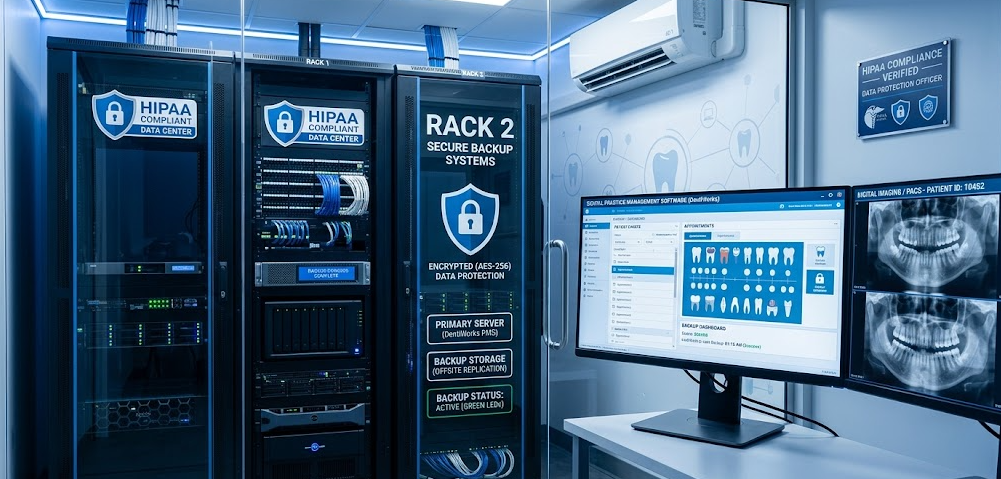
In a modern dental practice, technology is not just administrative overhead — it is the heartbeat of patient care. When your imaging sensor refuses to capture an X-ray or your practice management server locks up, production stops dead in its tracks.
An operatory sitting idle while a dentist or hygienist struggles with a frozen screen doesn't just frustrate patients; it wastes hundreds of dollars in clinical chair time that can never be recovered. When 4 operatories go down simultaneously, daily practice revenue evaporates.
You have a patient in the chair with an open mouth, but Dexis or Schick throws an "imaging hardware not recognized" error. Generic IT providers suggest "restarting the PC," forcing your clinical team to apologize to waiting patients while appointments back up into the reception lounge.
The Department of Health and Human Services (HHS) Office for Civil Rights enforces strict penalties on dental clinics. Storing unencrypted patient charts on operatory workstations or operating without a signed Business Associate Agreement (BAA) exposes you to mandatory breach notifications and fines up to $50,000 per violation.
Dentrix G6/G7 and Eaglesoft C-Tree databases are notorious for indexing corruptions after sudden power flickers or improper server shutdowns. Without dedicated database tuning, daily appointment books crash and chart histories become inaccessible.
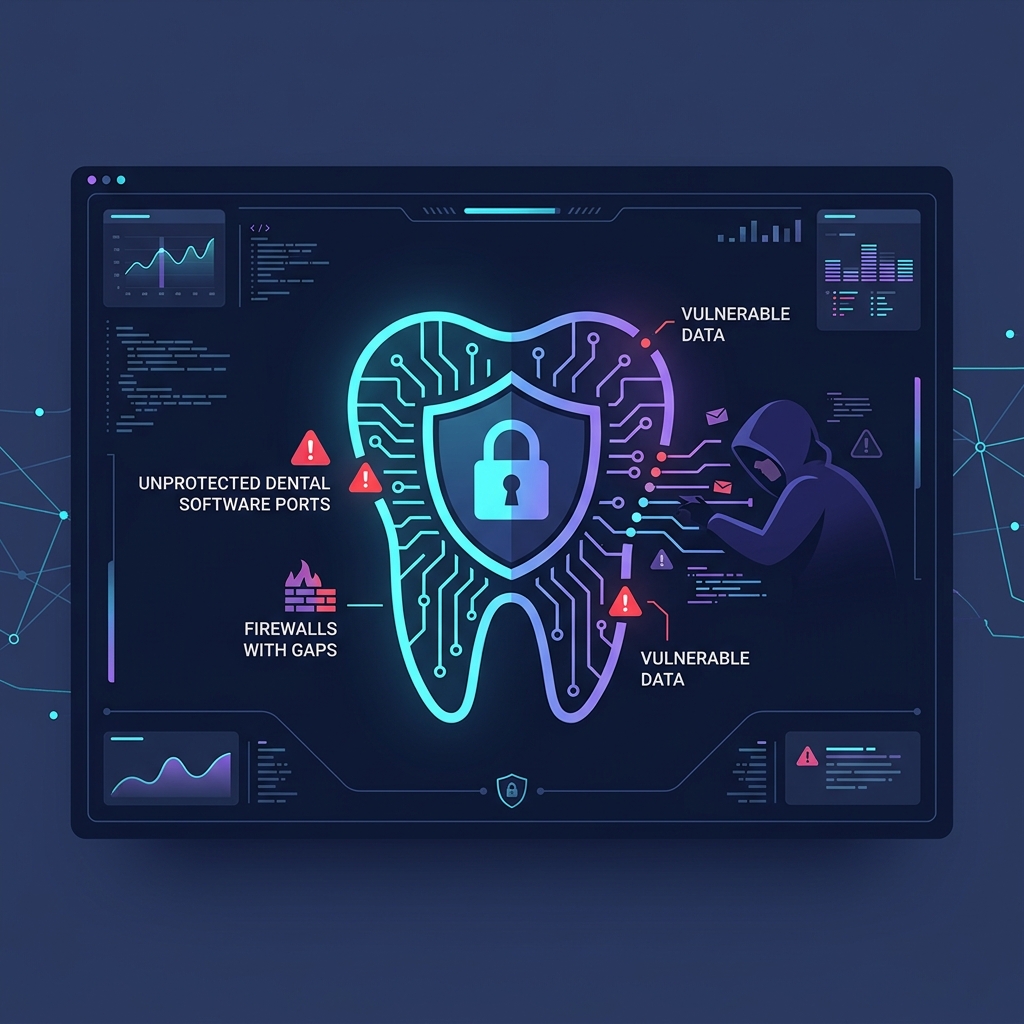
Cybercriminals target dental practices because patient records contain rich medical histories, Social Security Numbers, and insurance credentials. If an employee clicks a malicious phishing link, ransomware encrypts both your local server and network-attached backups within minutes.
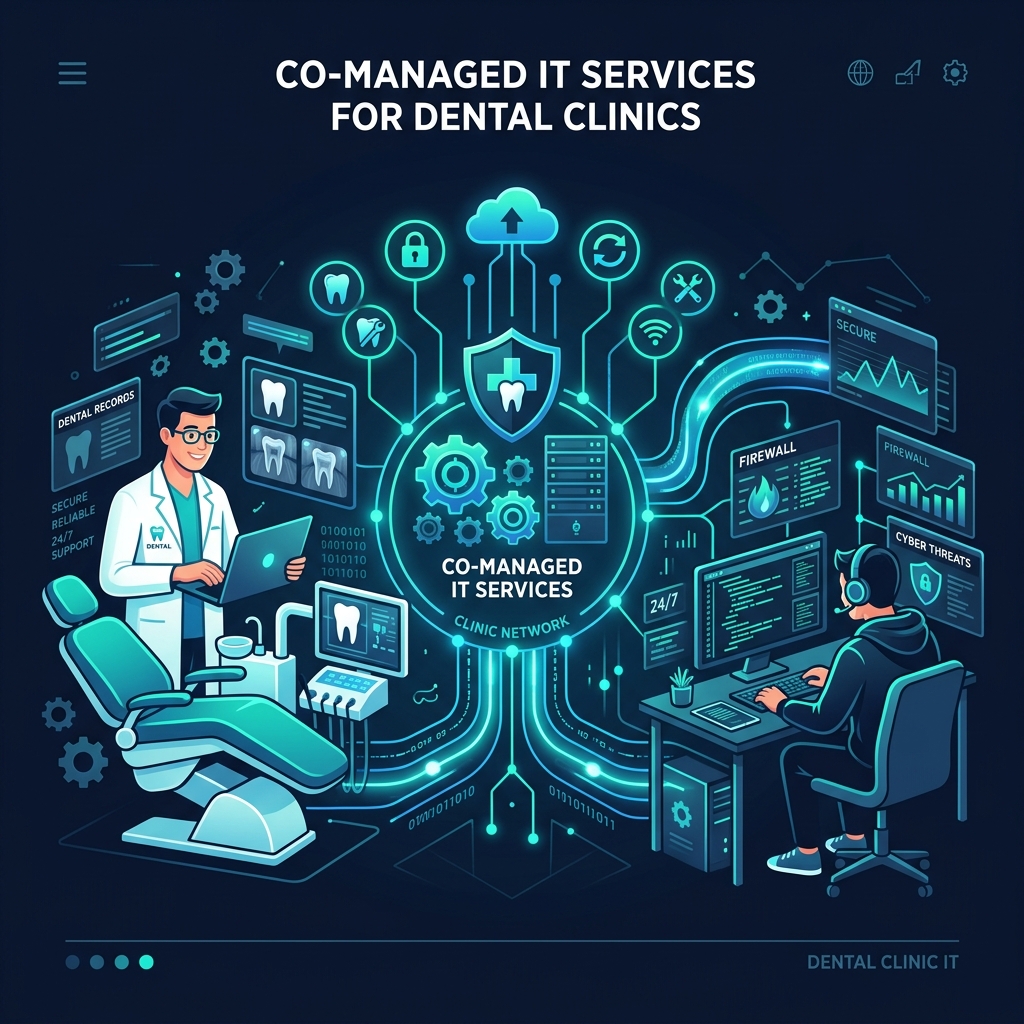
Most general IT vendors do not understand dental software bridges, DICOM protocols, intraoral sensor calibration, or operatory disinfection protocols. They treat your high-tech clinical practice like a law office or retail store, resulting in endless finger-pointing between Patterson, Henry Schein, and your IT tech.
Our Sacramento-based senior dental systems engineers dispatch immediately. We understand your software bridges and resolve clinical workstation emergencies within minutes.
We speak the language of dental practice software. We liaise directly with software vendors so your doctors and office managers never have to waste hours on hold with technical support.
Complete deployment and support for Dentrix G6, G7, and Dentrix Enterprise installations, as well as cloud-native Dentrix Ascend migrations.
End-to-end administration of Eaglesoft client-server environments, ensuring smooth scheduling, charting, and digital imaging interoperability.
Specialized management of Open Dental MySQL/MariaDB database backends for single practices and multi-location Dental Support Organizations (DSOs).
Optimizing practice networks for pure-cloud PMS platforms like Curve Hero, Planet DDS / Denticon, and CareStack.
Expert support for Carestream Dental software suites, legacy database migrations, and DICOM-compliant network communications.
Custom infrastructure for pediatric, orthodontic, periodontic, and oral surgery practices utilizing Dolphin, Ortho2, or Windent.
Digital radiography is the backbone of clinical diagnosis. A delay of just 5 seconds per image capture adds up to hours of lost clinical productivity every week. Business PC Support builds dedicated, low-latency imaging pipelines that ensure immediate image rendering at the operatory chair.
Digital X-rays and 3D CBCT datasets require massive storage capacities. We implement tier-one NAS/SAN archives with automatic hot-to-cold file tiering and off-site cloud replication that complies with California medical record retention mandates.
HIPAA is not a one-time checklist — it is an ongoing operational standard. We execute a comprehensive Business Associate Agreement (BAA) with your practice and implement all Administrative, Physical, and Technical safeguards required by HHS Office for Civil Rights.
We legally stand behind our IT services. We execute a formal Business Associate Agreement outlining our technical liability, compliance protocols, and rapid breach reporting duties under the HITECH Act.
OCR mandates an annual technical and physical Security Risk Assessment. We audit your network vulnerabilities, operatory access, password hygiene, and generate an executive remediation roadmap.
All electronic Protected Health Information (ePHI) is encrypted at rest using AES-256 Bit encryption across all servers, operatory PCs, and laptops, and in transit via TLS 1.3 encrypted clinical tunnels.
Under HIPAA Physical Safeguard §164.310, unmonitored screens displaying patient charts are non-compliant. We configure automated session timeouts, privacy filters, and proximity badges for instant re-authentication.
Exchange patient charts, treatment plans, and referral X-rays securely with end-to-end encrypted email gateways, patient portal integrations, and secure internal clinical messaging.
Ensure staff members only access the patient data necessary for their clinical role. Front desk staff, hygienists, billing clerks, and associate dentists receive strictly segmented permission tiers.
We deploy centralized log ingestion that records every user login, file access, and patient record modification. In the event of an OCR audit, you have tamper-proof proof of data governance.
Over 90% of dental security breaches begin with a front-desk employee clicking a fraudulent email attachment. We conduct monthly simulated phishing tests and continuous employee security awareness training.
Traditional external USB hard drives and generic consumer cloud sync tools leave dental practices dangerously exposed. If a ransomware variant strikes, it actively searches for connected USB drives and encrypts them. Here is how our enterprise dental backup protects your practice:
One primary clinical copy and two independent backup archives of all charts and X-rays.
Local ultra-fast NVMe storage appliance plus encrypted off-site cloud repository.
Geographically redundant cloud replica isolated outside California seismic risk zones.
WORM (Write Once, Read Many) technology. Backups cannot be modified, encrypted, or deleted by hackers.
Automated daily test virtualization and integrity verification with zero unverified snapshots.
Dental operatories present unique environmental challenges: chemical disinfectant sprays, aerosol moisture, tight spaces, and articulating monitor arms. Consumer desktops from big-box retailers fail quickly in this environment.
Compare what you receive with a standard consumer IT vendor versus our specialized dental engineering practice.
| Feature / Standard | Solo "Computer Guy" | Generic Commercial MSP | Business PC Support (Dental MSP) |
|---|---|---|---|
| Emergency Response SLA | Next business day / Voicemail | 2 to 4 hours ticket queue | Guaranteed under 15 minutes |
| Dentrix, Eaglesoft & Open Dental Support | Blames the software vendor | Basic troubleshooting only | Certified database tuning & direct vendor liaison |
| Digital Sensor & TWAIN Driver Repair | Tells you to buy a new sensor | Limited USB troubleshooting | Specialized driver bridging & electrical isolation |
| Signed Business Associate Agreement (BAA) | Rarely or refuses liability | Standard boilerplate, limited scope | 100% Guaranteed Comprehensive BAA executed |
| Annual HIPAA Security Risk Assessment | Not provided | Costly third-party add-on ($3k+) | Included annually with remediation roadmap |
| Backup Architecture | Single external USB drive | Standard cloud sync | 3-2-1-1-0 Air-Gapped Immutable WORM with hourly snapshots |
| Operatory Hardware Knowledge | Consumer desktop towers on floor | Standard office desktops | Aerosol-sealed micro-PCs & monitor arm cabling |
| Guest Wi-Fi Isolation | Single shared home router | Basic guest network | Isolated VLAN with firewall rules preventing ePHI access |
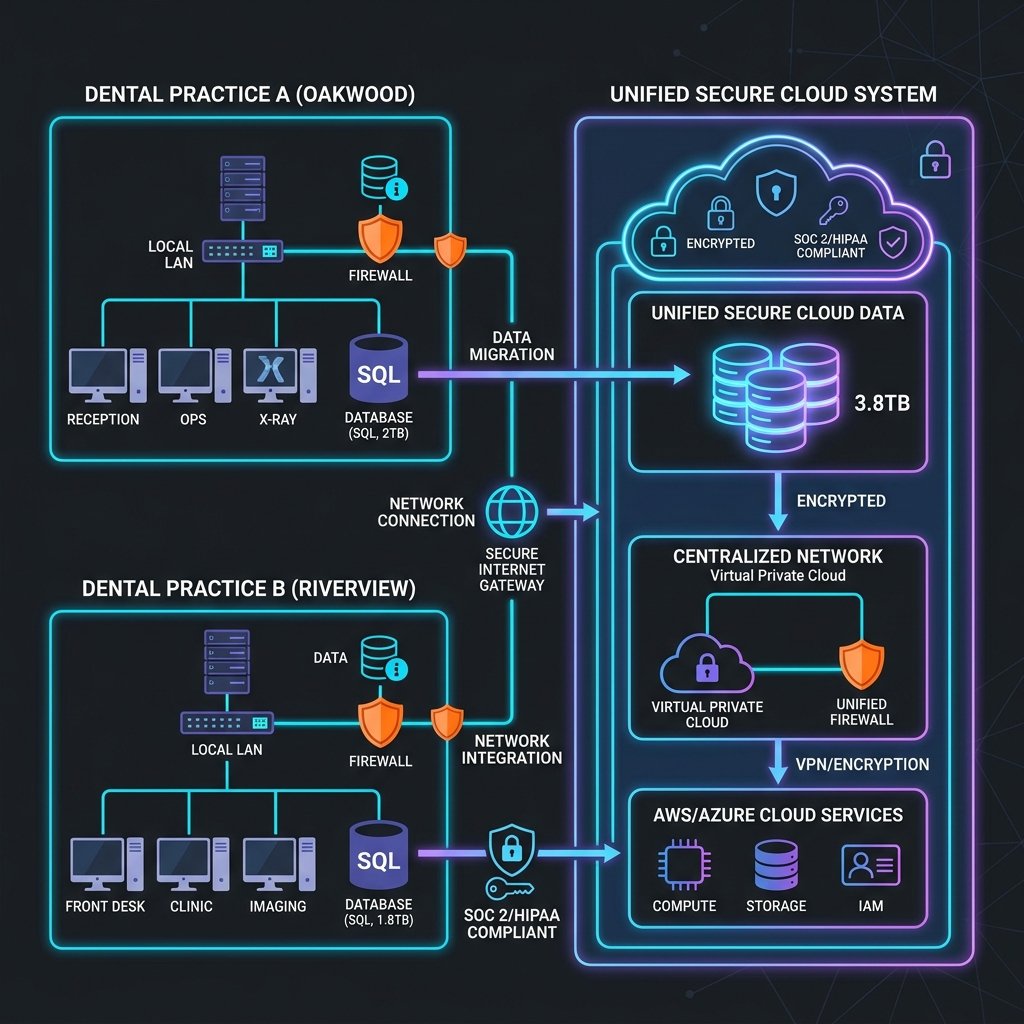
Whether you are adding a second clinical office in Roseville or managing a 10-practice DSO network across Sacramento & Northern California, Business PC Support delivers unified IT standardization that keeps multi-site dental operations agile, compliant, and connected.
See how our dedicated dental IT support has eliminated downtime and rescued practices across the Sacramento metropolitan area.
A general dentistry clinic in downtown Sacramento suffered a ransomware outbreak when a temporary receptionist opened an infected invoice. The malware attempted to encrypt the practice's Dentrix database and local drive. Because BPS had deployed immutable air-gapped snapshots, our team isolated the infected terminal, restored the unencrypted database from 1 hour prior, and had all 6 operatories treating patients before noon with $0 ransom paid.
A fast-paced orthodontic and pediatric clinic in Roseville was experiencing severe 8 to 12-second image rendering delays with their panoramic and intraoral scanners. Appointments were constantly delayed. BPS replaced congested unmanaged network switches with a dedicated 10Gbps clinical backbone and isolated operatory USB lines. Image capture time dropped to under 1.5 seconds instantly.
An 8-operatory practice in Elk Grove was operating on an 8-year-old physical server on the verge of hardware failure. They feared a multi-day shutdown. BPS pre-staged a high-availability server, performed database migrations over Saturday and Sunday, calibrated all operatory stations, and welcomed staff Monday morning with zero appointment delays and 3x faster chart loading.
Get transparent answers regarding our dental IT response times, HIPAA compliance, software support, and migration procedures.
Discover hidden sensor bottlenecks, verify your backup recoverability, and eliminate HIPAA vulnerabilities before OCR auditors or cybercriminals find them. Speak directly with a Senior Dental Systems Engineer today.
