Catch failing hard drives, memory leaks, unpatched vulnerabilities, and backup errors before your team ever notices a slowdown. Business PC Support monitors every server, desktop, and laptop 24/7/365 with a 15-minute response SLA.
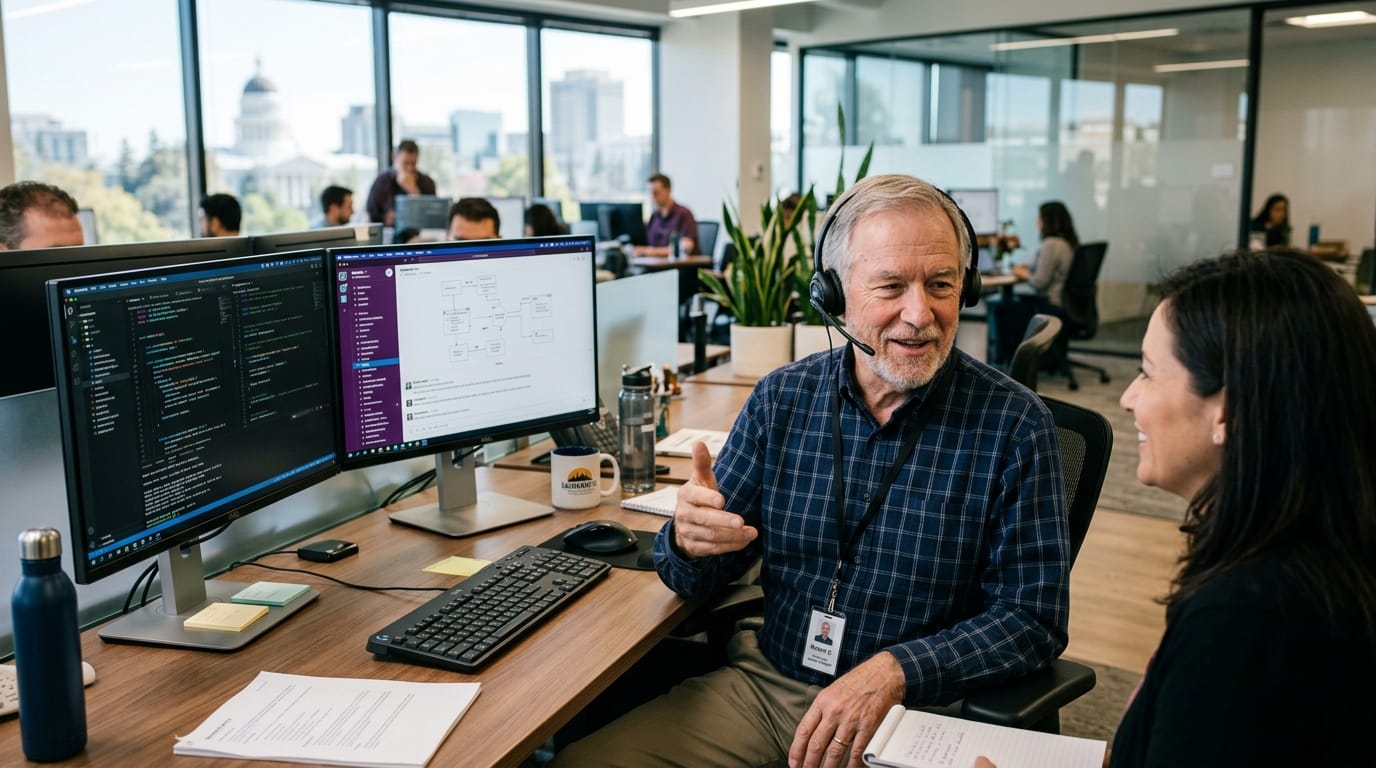
Server and workstation monitoring uses lightweight Remote Monitoring & Management (RMM) telemetry agents to continuously track CPU load, RAM utilization, SMART disk health, Windows/macOS patch levels, service availability, and endpoint security status across your entire business. Instead of waiting for an employee to report a crashed server or frozen computer, our Network Operations Center (NOC) detects early warning signs and remediates issues automatically.
For Sacramento and Northern California businesses running line-of-business databases, EHRs, accounting servers, or hybrid remote laptops, reactive break-fix support is too slow. Business PC Support pairs automated self-healing scripts with local Sacramento systems engineers who step in within 15 minutes whenever hardware or software anomalies require human intervention.
Without continuous telemetry and automated patching, small hardware and software warnings quietly escalate into full-office outages.
Hard drives and SSDs rarely fail without warning — SMART errors and RAID rebuild alerts appear days or weeks beforehand. Without 24/7 monitoring, nobody sees them until the server crashes.
Most ransomware exploits target known vulnerabilities in Windows, Adobe, Chrome, or Java. Manual patching leaves gaps across remote laptops and busy office PCs.
Basic monitoring tools flood inboxes with noisy alerts that get ignored. Our NOC filters noise and runs automated self-healing scripts before escalating real threats to senior engineers.
Without centralized telemetry, IT managers don’t know which workstations are running low on disk space, failing batteries, or approaching end-of-warranty replacement.
Complete visibility and proactive maintenance across physical servers, virtual machines, desktops, and remote laptops.
Continuous tracking of Windows Server, Hyper-V, VMware, SQL databases, RAID arrays, and Active Directory services.
Monitor CPU, memory, disk I/O, thermal warnings, and failing drives across Windows 11 and macOS endpoints.
Scheduled after-hours patching for Windows, macOS, Microsoft 365, browsers, and PDF tools with zero daytime restarts.
Automated scripts restart stalled services, clear temp disk bloat, and reset hung print spoolers before users notice.
Pair performance telemetry with 24/7 SOC threat hunting to detect suspicious processes, brute-force logins, and malware.
Track serial numbers, warranty expirations, OS versions, and software installations for QBRs and budget planning.
See how continuous RMM telemetry eliminates surprise downtime and extends hardware life.
| Operational Area | Reactive Break-Fix IT | BPS 24/7 Monitoring & RMM |
|---|---|---|
| Issue Detection | Employee discovers crash and calls help desk | NOC detects drive, CPU, or service warning automatically |
| Patch Management | Manual or skipped updates during work hours | Automated after-hours patching with compliance verification |
| Backup Verification | Checked only when a restore is needed | Daily automated monitoring and test-boot verification |
| Response Speed | Hours or days waiting for a callback | 15-minute average SLA + local Sacramento on-site dispatch |
| Budgeting | Expensive emergency overtime bills | Included in flat-rate Managed IT monthly subscription |
Lightweight agent deployment takes minutes with zero reboots or disruption to staff.
Map every server, VM, desktop, laptop, switch, and firewall across your Sacramento and remote offices.
Silently deploy our encrypted RMM telemetry agent across endpoints with zero daytime interruption.
Configure custom alert thresholds, after-hours patch windows, and automated self-healing scripts.
Continuous monitoring backed by 15-minute SLA engineers and quarterly hardware health reports.
No. Our RMM telemetry agent uses minimal CPU and memory (typically under 1%) and runs silently in the background without interfering with EHRs, CAD, or accounting software.
Yes. As long as a laptop has an internet connection, our agent monitors its health, applies security patches, and lets our help desk assist remotely.
We schedule automated patching and reboots during late-night or weekend maintenance windows so employees never get interrupted by forced restarts during the workday.
Our 24/7 NOC triages critical server and backup alerts immediately, runs automated remediation or escalates to an on-call senior engineer, and dispatches locally in Sacramento if hardware replacement is needed.
Yes. We monitor Windows 10/11 desktops and laptops, Windows Server, Linux VMs, macOS endpoints, and SNMP network devices like firewalls and switches.
Yes. 24/7 RMM monitoring, automated patching, and unlimited remote support are core pillars of every Business PC Support Managed IT plan.
Schedule a complimentary infrastructure health check with our Sacramento engineers today.