
How to Use Windows Logs to Detect Security Threats – H…

Learn how to monitor Windows logs for security threats using best practices and tools to detect suspicious activity and safeguard your system.
Most Common Windows Security Threats in 2025 and How t…
Learn the most common Windows security threats in 2025 and discover practical steps to safeguard your system from cyber risks and data breaches.
BitLocker vs Device Encryption: What’s the Difference?

Compare BitLocker and Windows Device Encryption across TPM key escrow, Active Directory recovery, OS editions, and compliance controls.
Windows 11 Shared Folder Security: Protecting Your Net…
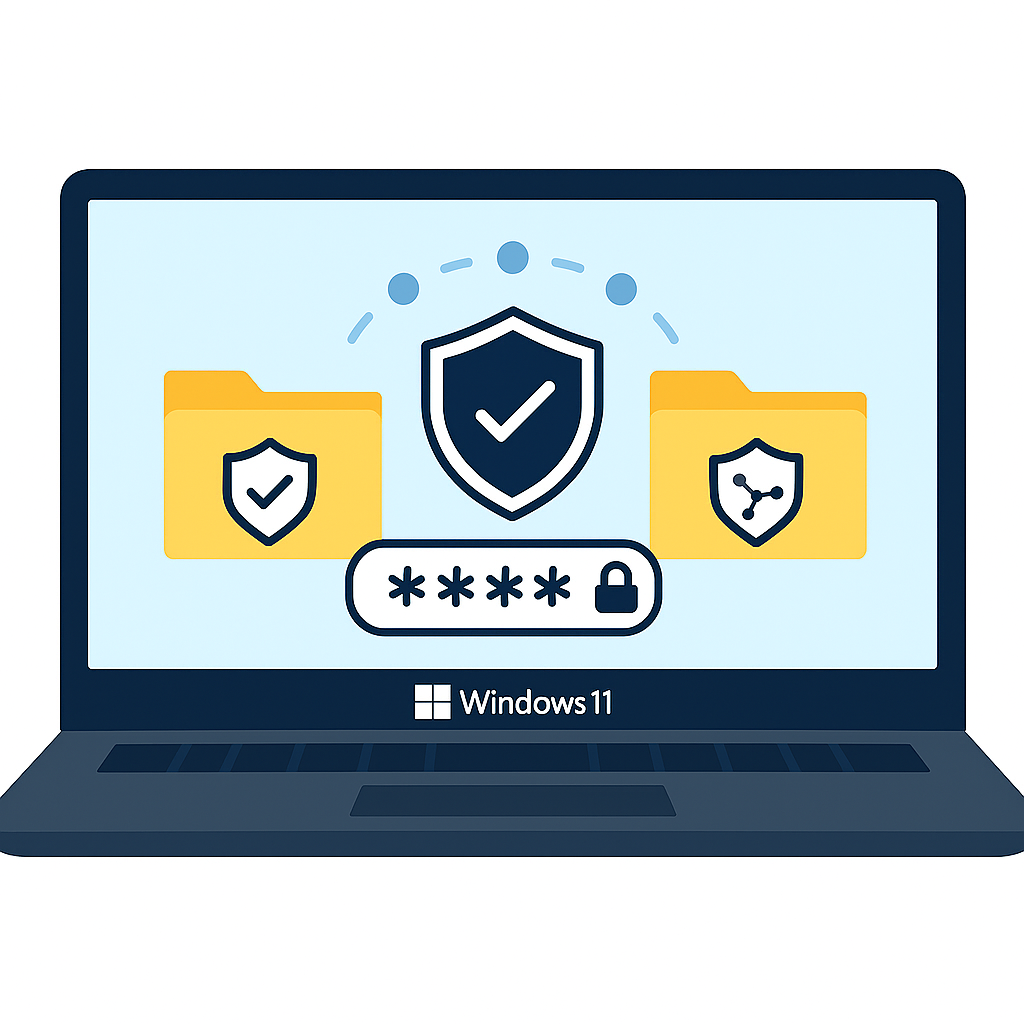
Discover practical tips for securing shared folders and networks in Windows 11 to keep your files safe, private, and accessible only to trusted users.
Windows Credential Manager: How It Works, Security Risks & IT Hardening (2026)
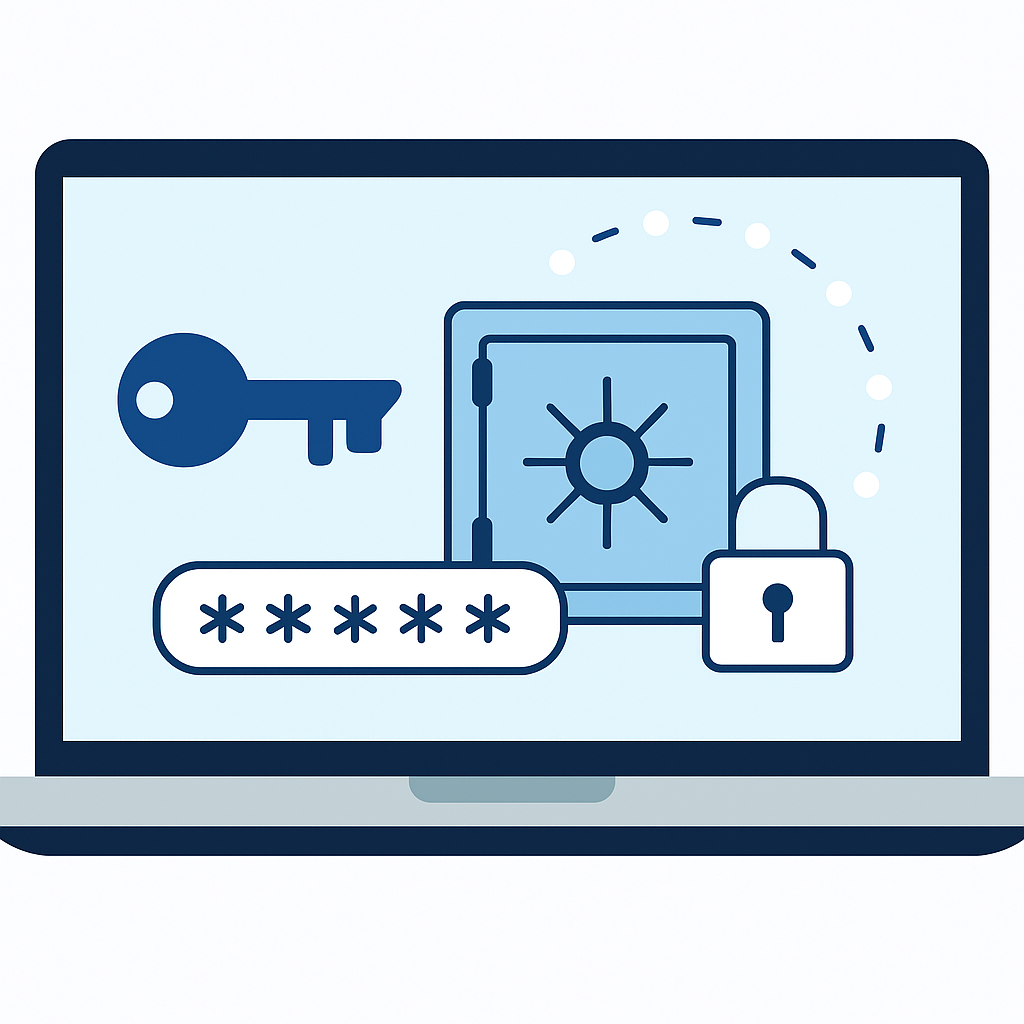
Learn how Windows Credential Manager encrypts secrets with DPAPI, why infostealers target its vaults, and how IT teams harden Windows 11 endpoints.
Signs Your Windows PC Has Malware and How to Remove It
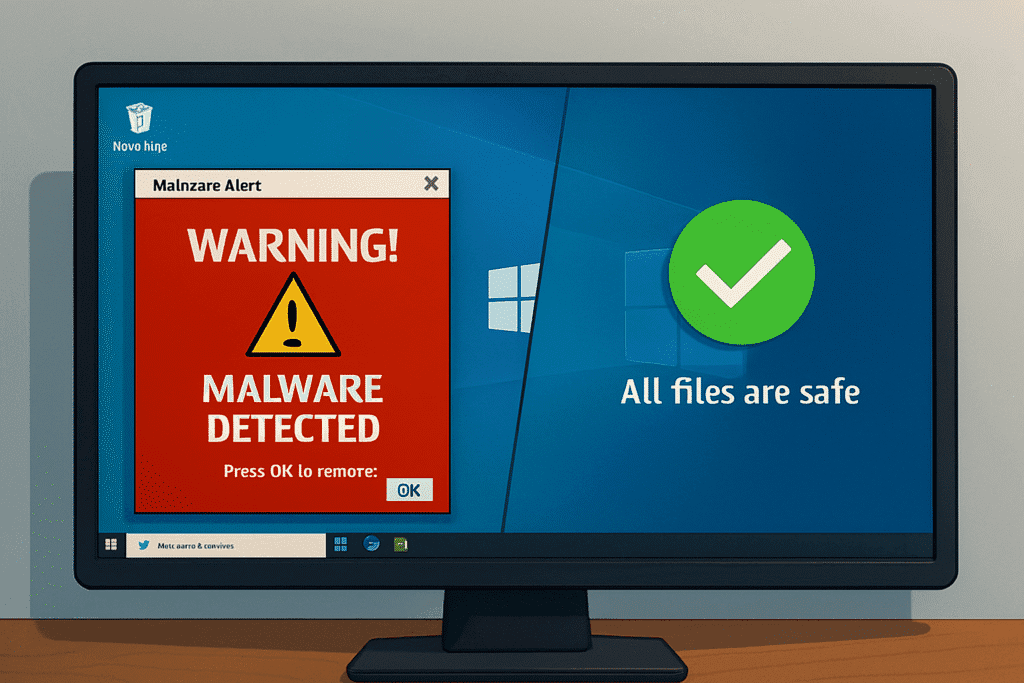
Spot early warning signs of Windows malware—unusual CPU spikes, hijacked browsers, disabled Defender—and safely isolate infected endpoints.
How to Recover Files After a Ransomware Attack on Windows
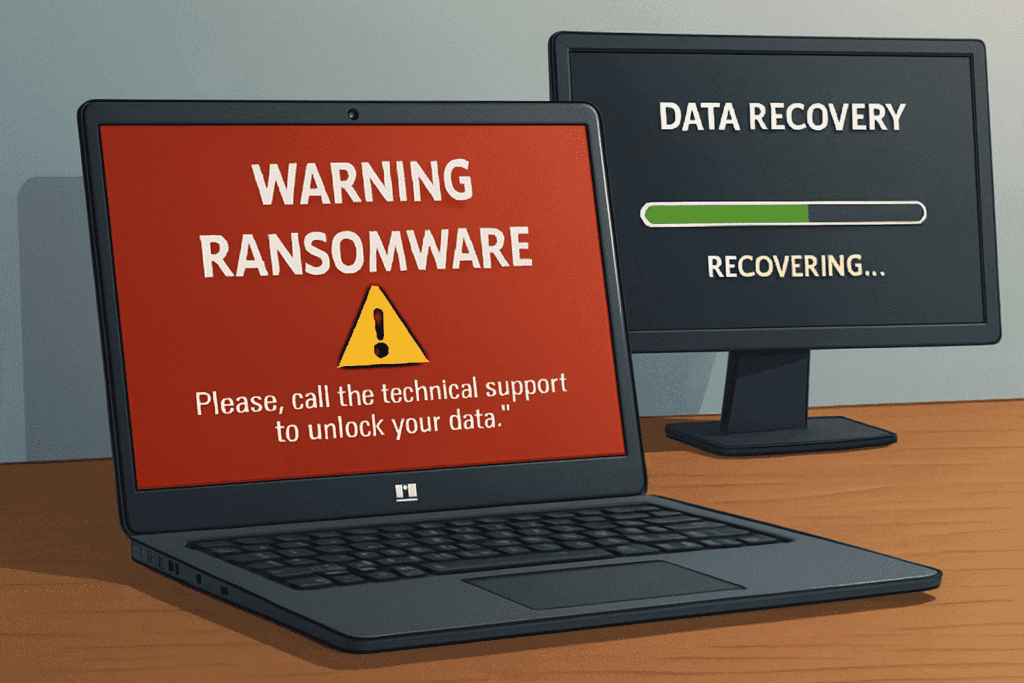
Discover how to recover files after a ransomware attack on Windows with proven recovery methods, security steps, and prevention strategies.
Group Policy Settings Every IT Admin Should Configure …
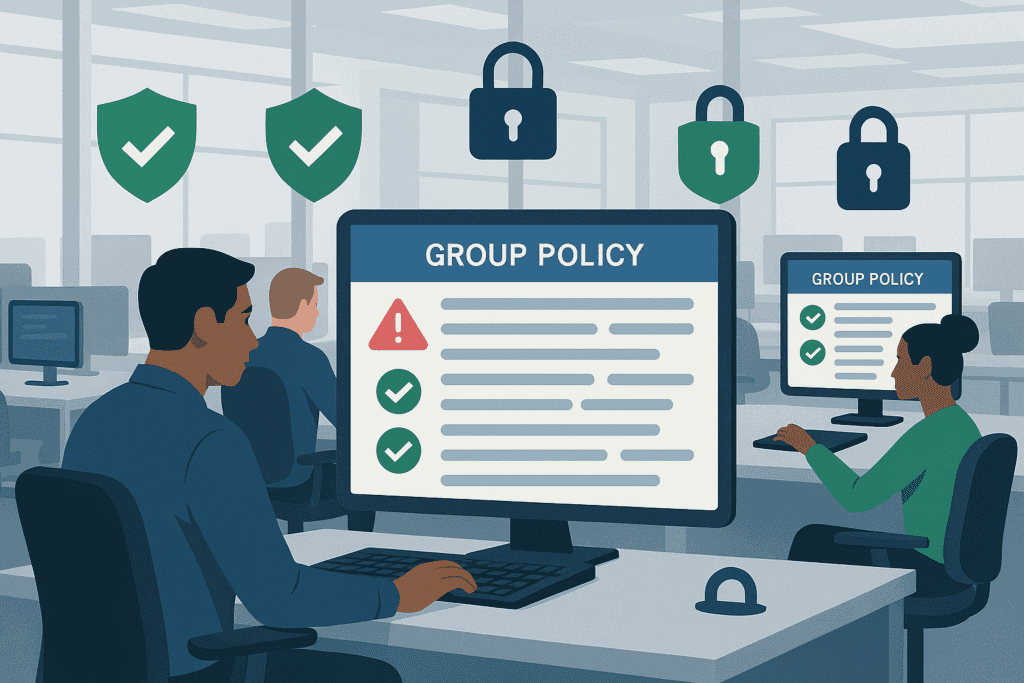
Learn the top Group Policy settings every IT admin should configure for security to safeguard networks, enforce compliance, and reduce risks.
How to Monitor Windows Logs for Security Threats – Mon…
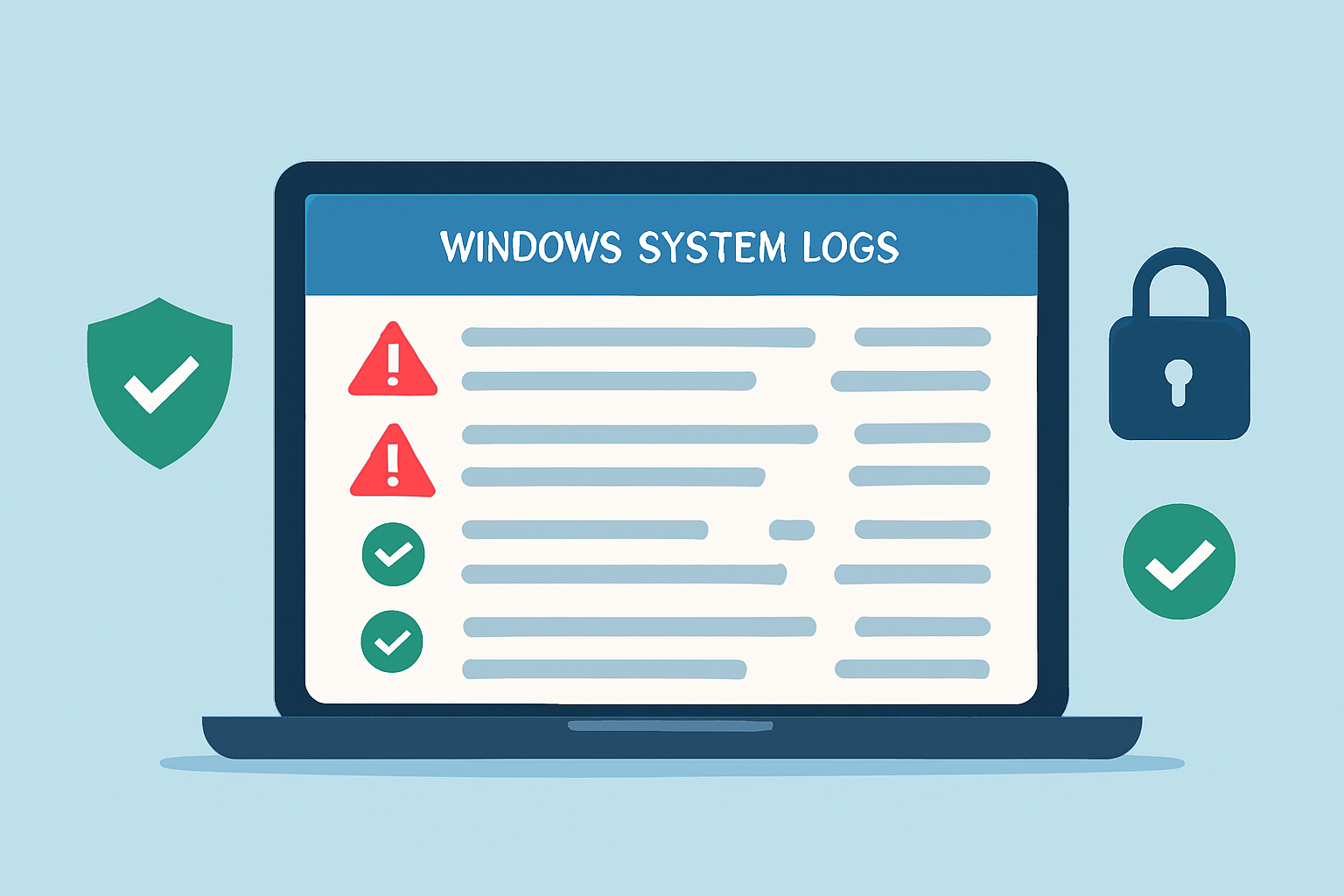
Monitor Windows Security Event Logs (4624, 4625, 4688) and Sysmon telemetry to detect intrusions, lateral movement, and policy changes early.
How to Disable Location Tracking in Windows Without Br…
Lock down Windows 10 & 11 location telemetry via Settings or Group Policy while keeping Find My Device, weather, and map apps functional.