Multi-Site & Distributed Office IT Support Sacramento

  • Home
  • Multi-Site & Distributed Office IT Support Sacramento
Multi-Location Optimization

Multi-Site & Distributed Office IT Support in Sacramento

Standardize and centralize your distributed infrastructure. We connect satellite clinics and remote offices across the Sacramento region with high-uptime SD-WAN, unified identity controls, and secure VPNs.

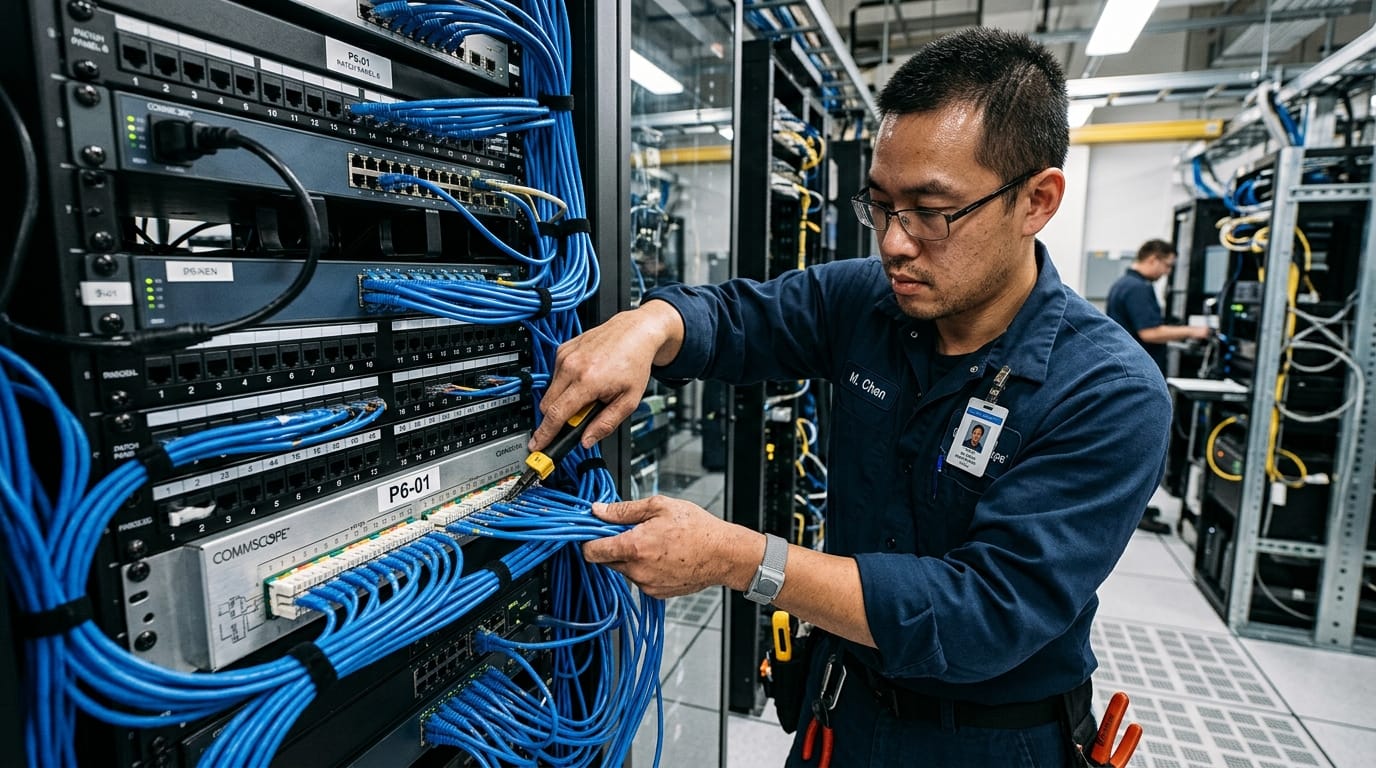
Multi-Site and Distributed Office IT Support Sacramento Illustration

Connecting Your Business Across Every Location

Operating a business with multiple locations or a highly distributed workforce brings a unique set of IT challenges. Without a unified, centralized IT management strategy, individual branch offices quickly become technology silos. They operate with mismatched network equipment, varying internet speeds, inconsistent backup solutions, and fragmented security policies. This lack of standardization makes managing data safety extremely difficult, slows down employee collaboration, and makes regulatory compliance almost impossible to audit. At Business PC Support, we design and implement centralized, multi-location IT infrastructures that bring all your sites under a single pane of glass.

Our multi-site IT support connects your offices using secure Virtual Private Networks (VPNs) and software-defined wide area networking (SD-WAN). We standardize your local networks, deploy unified login controls (single sign-on), and manage cross-site printer and scanner configurations. By bringing all locations under one standardized platform, we eliminate security gaps and ensure a seamless experience for your staff, whether they are working at your main office, a satellite clinic, or from home. This centralized model is built in complete harmony with our Cybersecurity framework, ensuring that compliance and access control standards are enforced identically across all locations.

Our Multi-Site Architecture Elements

We build redundant, secure wide-area networks that bridge physical locations and cloud databases into a singular, fast network environment.

🌐

SD-WAN Integration

We deploy software-defined WAN (SD-WAN) edge routers that combine multiple internet connections (such as fiber, cable, and LTE backups) at each location, routing traffic dynamically to prevent downtime.

🔒

Encrypted Site VPNs

We configure secure site-to-site IPsec VPN tunnels, allowing remote clinics to safely access shared local servers, file databases, and database engines without public internet exposure.

🆔

Unified Identity Access

Using Microsoft Entra ID, we enforce a single identity system. Employees log in to workstations, email, and cloud EMRs using one secure credential protected by MFA.

High-Performance SD-WAN & Active Failover

A single internet outage at a branch office can halt operations, leaving staff unable to access databases or communicate with patients. We deploy active-active SD-WAN connections to guarantee uptime:

  • Dynamic Path Selection: SD-WAN technology monitors your internet connections in real-time. If packet loss or jitter occurs on your primary fiber connection, real-time traffic (such as VoIP calls or EMR queries) is automatically routed over the secondary connection without dropouts.
  • Dual-WAN Hardware Failovers: We equip firewalls at all sites with automatic LTE/5G cellular failovers, keeping your clinics online even during complete physical cable cuts.
  • QoS Traffic Prioritization: Quality of Service (QoS) rules prioritize clinical databases and voice traffic over background web browsing, ensuring consistent system speed during busy operating hours.
  • Centralized Firewall Management: Security policies, port forwarding, and web filtering rules are updated and pushed to all location firewalls simultaneously, eliminating mismatch vulnerabilities.

This network design ensures that your data remains safe and accessible. Our localized Backup and Disaster Recovery systems store local copies of your server images, allowing each branch to continue operating basic services even during major regional internet outages.

Multi-Site Profile

Below is the technical profile we enforce across multi-site environments:

VPN Tunnel Type: IPsec (AES-256 Encryption)
Failover Latency: Under 2 Seconds
Directory Sync: Microsoft Entra ID Cloud Sync
Print System: Cross-Site Secure Follow-Me

Unified Identity & Access Control Management

When staff members work across multiple locations, managing their access rights manually becomes an administrative nightmare. If an employee changes positions or leaves your company, disabling their access accounts individually at each branch is time-consuming and leaves major security gaps. We resolve this by centralizing your identity management system:

By integrating all locations into a singular Microsoft 365 and Microsoft Entra ID database, we enforce a central source of truth. User credentials, email access, database permissions, and folder rights are managed from one centralized directory. When a change is made, it syncs across all branch offices within seconds. We combine this with our Co-Managed HIPAA Compliance protocols, ensuring that employee access rights strictly conform to the regulatory principle of "Minimum Necessary Access" across all sites.

🖨️

Follow-Me Print

Print documents securely from any workstation and retrieve them at any location using secure authentication badges.

Standardized Cross-Site Print & Scan Workflows

Staff members moving between clinics or offices frequently encounter hardware connection issues, leading to lost time. We build standardized hardware configurations so your team can work seamlessly from any desk:

  • Secure Follow-Me Printing: We deploy centralized printing systems. Employees send print jobs to a secure cloud queue, walking up to any copier at any office to release and print the document securely.
  • Cross-Site Scan Redirection: Network scanner profiles are standardized. Documents scanned at any location are routed securely to the employee's central digital folder, avoiding local hard drive storage.
  • Uniform Device Configurations: Workstations are configured identically across all sites. This standardization means employees face no learning curve when switching between desks.

Our responsive IT Help Desk monitors print queues and network scanners constantly, ensuring any hardware disconnects are resolved immediately to keep your staff productive.

Unified Operations Management & Compliance Reporting

Regulatory audits require you to prove that security controls are active and identical across all locations. Generating reports from individual, separate branch firewalls is slow and often reveals inconsistent security configurations. We standardize your compliance reporting entirely.

Our centralized operations portal collects logs and status updates from all your locations in real-time. We generate unified compliance reports that demonstrate uniform firewall policies, endpoint antivirus updates, and backup completions across all your sites. If an audit occurs, we provide the documented proof you need from a single, organized interface. We manage your multi-site compliance under our Virtual CIO (vCIO) & IT Strategy Services, giving your executive team long-term technology roadmaps that align your expansion plans with compliant IT standards.

Is Your Multi-Location Network Secure?

Schedule a free 15-minute multi-site IT assessment. We will audit your cross-office VPNs, firewall rules, and user identity settings to find and close security gaps.

Request Your Network Review

Frequently Asked Questions

How do you connect multiple office locations securely? +

We deploy secure hardware firewalls at each office location and configure encrypted site-to-site VPN tunnels (using IPsec protocols) to connect them. For larger or more active setups, we implement SD-WAN, which manages traffic over multiple internet connections for maximum uptime and security.

Can an employee use the same login credentials at all locations? +

Yes. By integrating all locations under Microsoft 365 and Microsoft Entra ID (Active Directory), we enforce a single identity system. Your employees can sit at any desk in any clinic and log in securely using their primary work credentials with MFA protection.

What happens if the internet goes down at one of our clinics? +

We configure dual-WAN redundancy at each office, using secondary connections (such as high-speed LTE/5G cellular failovers or business cable links). If your primary fiber or broadband line goes down, the firewall automatically switches traffic to the backup connection within seconds, preventing clinic downtime.

How do you handle compliance reporting for multiple clinics? +

We centralize your network monitoring using a single pane of glass. This allows us to compile and export consolidated compliance reports showing that security policies, software updates, and antivirus configurations are enforced identically across all sites.

Can we share local medical imaging and files across sites? +

Yes. By configuring site-to-site VPN tunnels and local server synchronization rules, we allow workstations at satellite clinics to query the central imaging database (such as DEXIS or PACS) securely, ensuring fast image load times across all locations.

Our Managed IT Services

Service Locations